Home Office Corner Desk Ideas for UK Rooms
A corner or alcove is one of the best positions for a home office desk. It uses space that would otherwise be underused, keeps the desk out of the flow of the room, and creates a natural sense of separation between the workspace and the rest of the living area.
Before choosing a corner desk: Measure the two walls your desk will sit against. The critical measurement is how far each wall extends before a door, window, or obstruction — this is your maximum desk dimension in each direction, not the room size overall.
Corner setup options
L-shaped desk in the corner
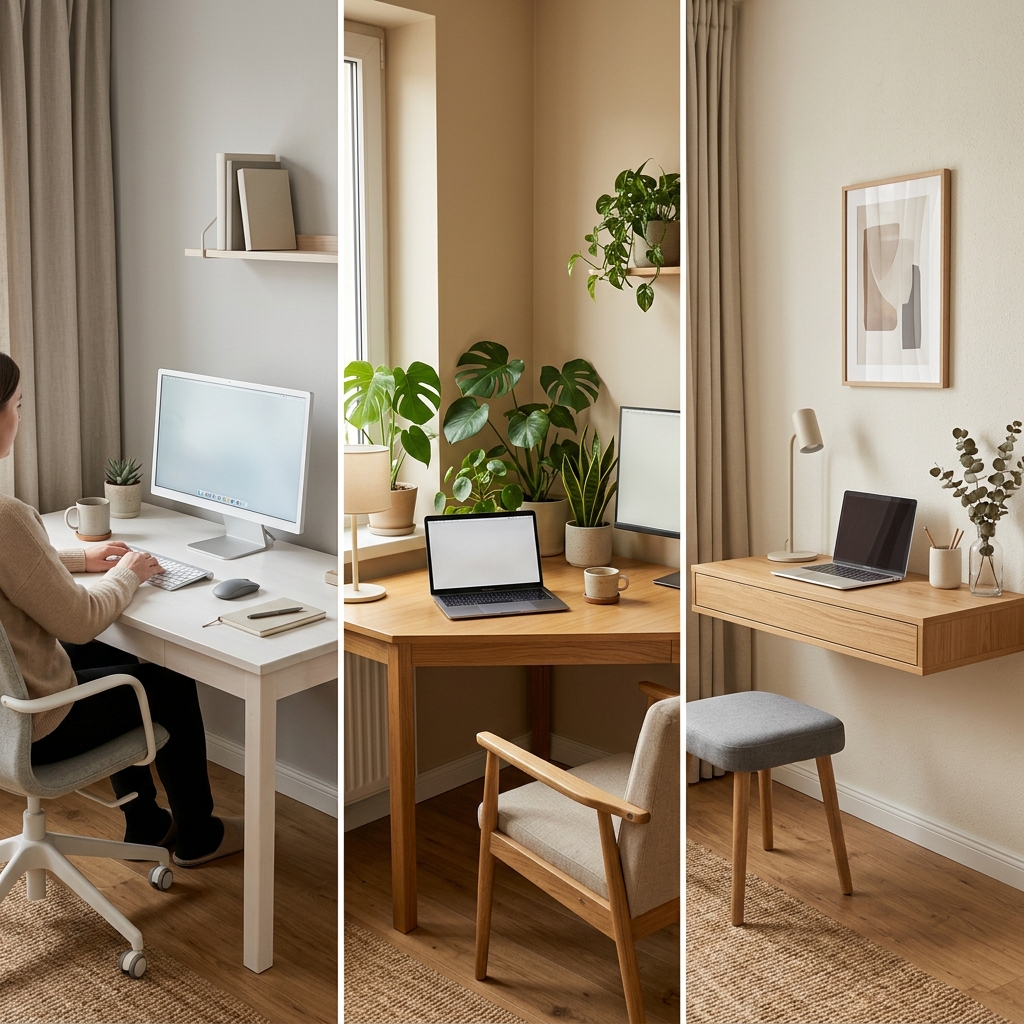
An L-shaped desk designed for corner placement gives the most surface area for a corner setup. One arm serves as the primary work surface, the other as a secondary area for reference materials, a second monitor, or equipment. Works well if you genuinely need two working surfaces — overkill if you only use one monitor and a keyboard.
Two straight desks at a right angle
Two straight desks (or a desk and a shelf unit) placed at a right angle to each other creates a custom corner configuration that is often cheaper and more flexible than a purpose-built L-shaped desk. You can adjust the depth and width of each arm independently and replace one arm if your needs change.
Straight desk in an alcove
An alcove — a recessed section of wall — is the ideal location for a straight desk. The desk fits into the architecture of the room, the walls on either side can hold shelving, and the alcove itself creates a defined workspace without any furniture arrangement needed. This is the best small-room home office setup when the room has one.
Adding shelving to a corner setup
The walls on either side of a corner desk position are prime locations for shelving. A shelf on the wall at eye height above the desk adds significant storage and display space without any desk footprint. An alcove with built-in shelving on both sides creates a study environment in a compact footprint.
For renters: floating shelves use standard wall fixings that fill on departure. These are typically allowed under standard UK tenancy agreements, though confirming with your landlord beforehand is advisable.
Lighting a corner desk setup
Corner positions often have less natural light than desks placed facing a window. Compensate with a quality adjustable desk lamp with high-enough lumen output for your working environment, and consider a secondary ambient light source — a floor lamp or shelf lamp — to lift the overall brightness of the corner.
For video calls: position the camera so the window (or your primary light source) is in front of you, not behind you. In a corner setup, this may require a small ring light or a secondary lamp at screen height facing you.
Build the complete setup
The home office under £300 guide covers everything you need to complete a corner desk setup — desk, chair, lamp, accessories — all linked to Amazon UK.
View the guide →FAQ
Only if you genuinely need two working surfaces simultaneously — dual monitors, a drawing tablet alongside a keyboard, or a desk where you split between computer work and physical work. If you only use a single monitor and keyboard, a straight desk is usually more space-efficient and easier to keep tidy.
For a small room, each arm of a corner desk should be no more than 120cm wide. An arm of 100cm is sufficient for a monitor and keyboard. Two 100cm arms in an L-shape give you 200cm of total surface — more than enough for most home office setups without overwhelming a small room.
Shop corner desk setups — all on Amazon UK
Every product chosen for corner desk setups specifically. Affiliate links — we earn a small commission at no extra cost to you.
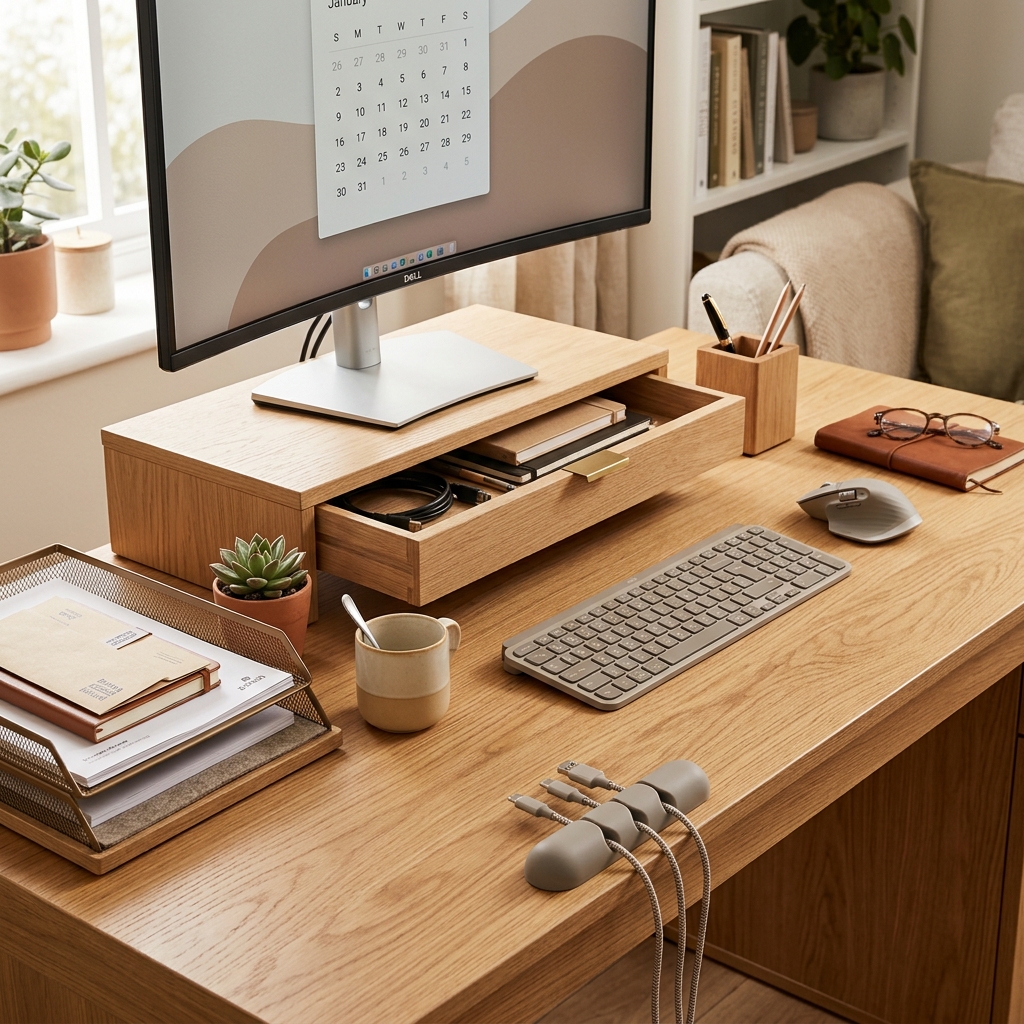 The desk
L-Shaped Corner Desk 100–120cm — Home Office
The standard pick. Wide enough for a monitor and a second screen. White or light wood finish works in any room. Look for cable management holes at the back of each arm.
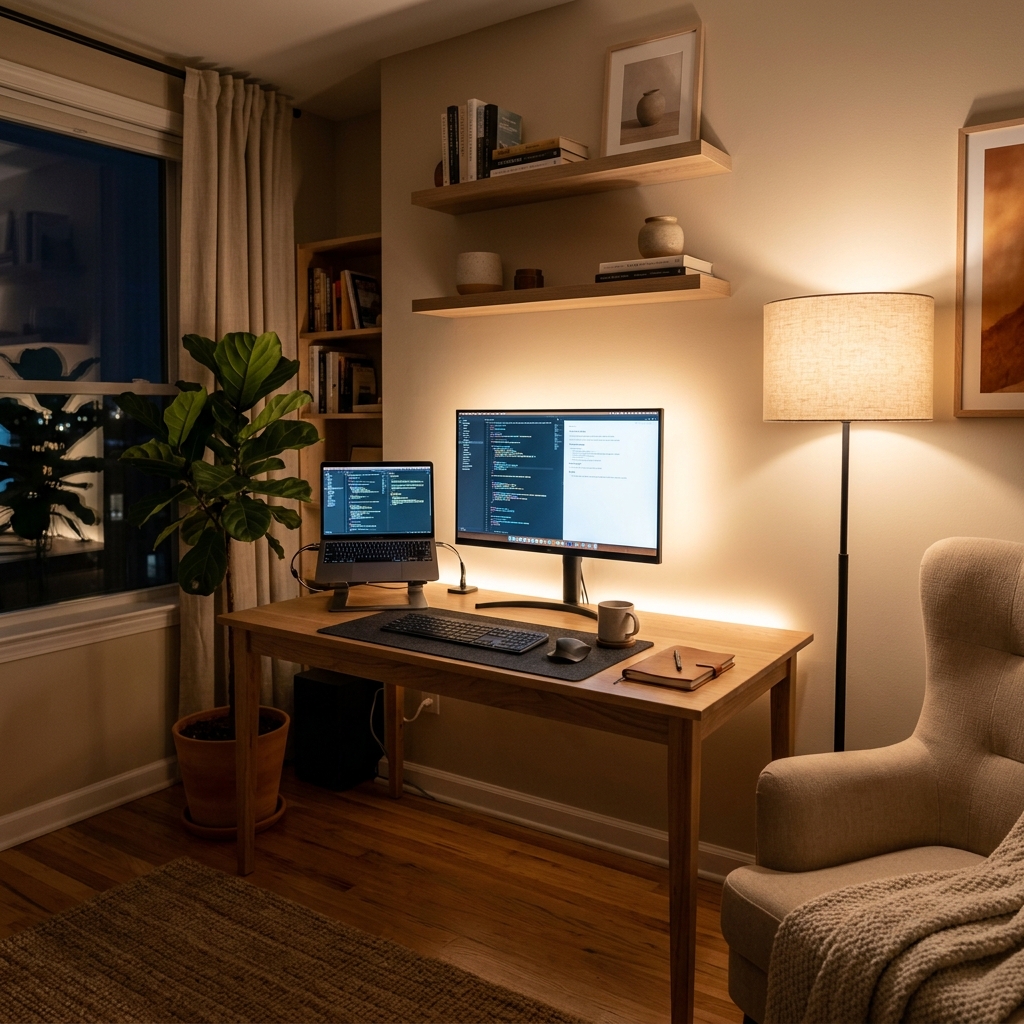 With shelves
L-Shaped Desk with Storage Shelves
Built-in shelves above one arm add book and plant storage without a separate unit. Particularly good for small home offices where every square metre counts.
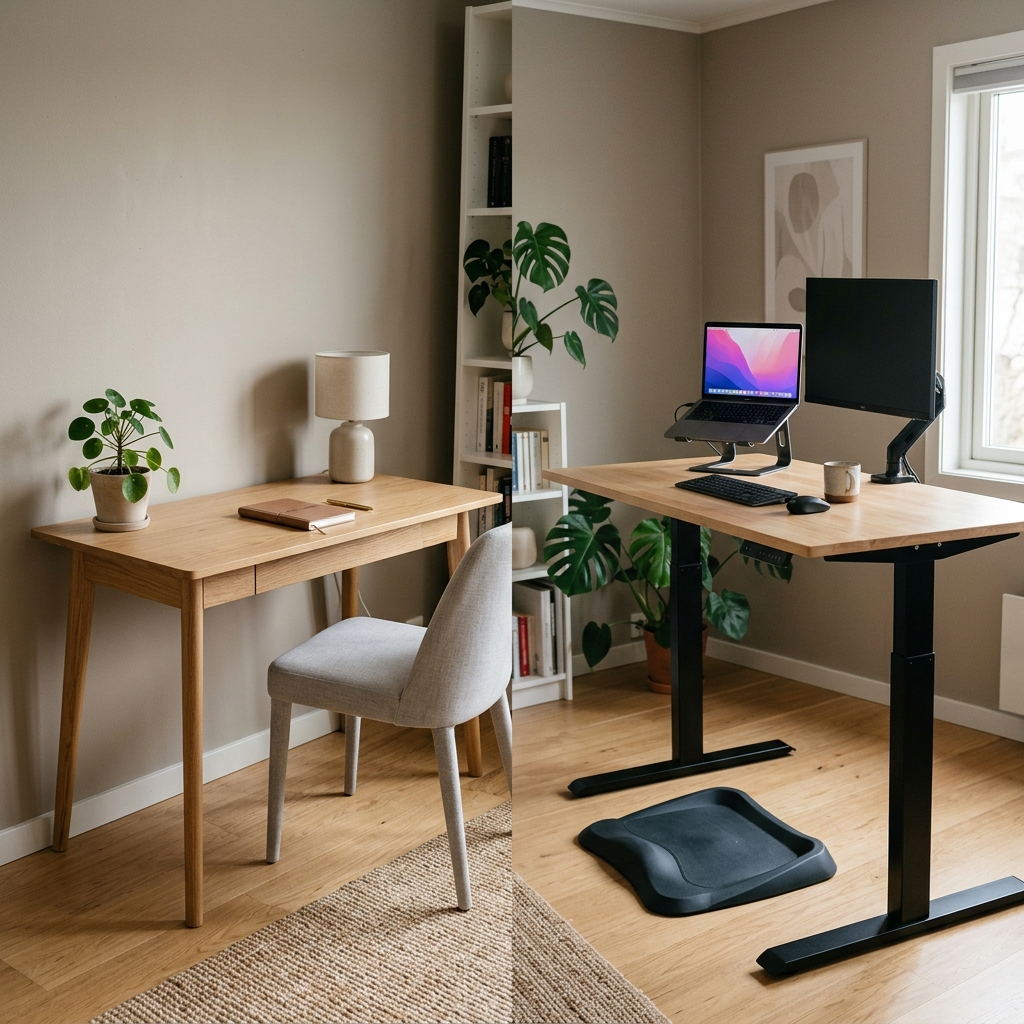 Float the screens
Dual Monitor Arm — Clamp Mount VESA
On a corner desk, a dual monitor arm positions both screens at the exact angle needed with zero stand footprint. The monitors float — both arms of the desk stay fully usable.
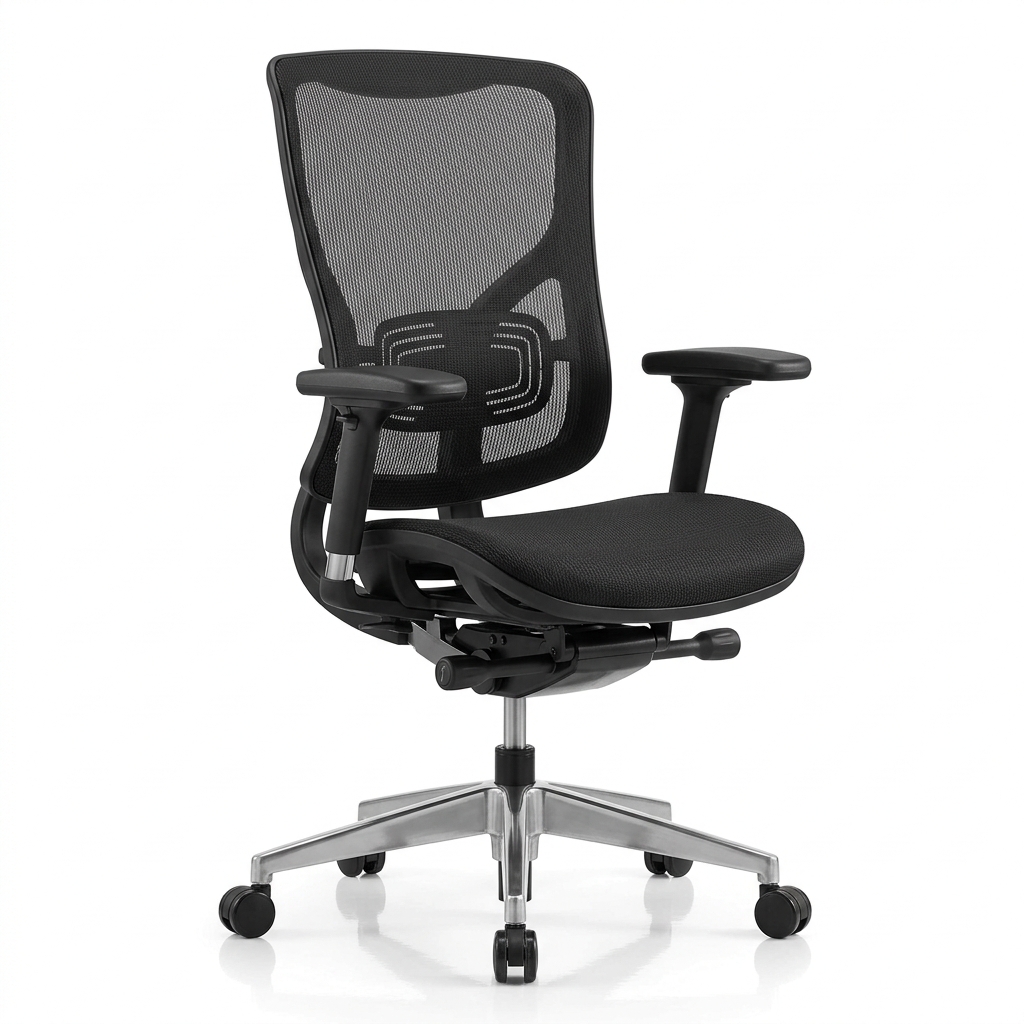 Do this first
Under-Desk Cable Management Tray
Corner desks have more cables than straight desks — more surface, more peripherals, more wires. One cable tray per arm keeps everything completely clear. Essential before any other accessory.
 Single monitor
Single Monitor Arm — Ergotron LX Style
For single-monitor corner setups. Lets you swing the screen from forward-facing to the corner and back — following you rather than staying fixed. Full desk surface freedom.
Related guides
Small Home Office Ideas UK
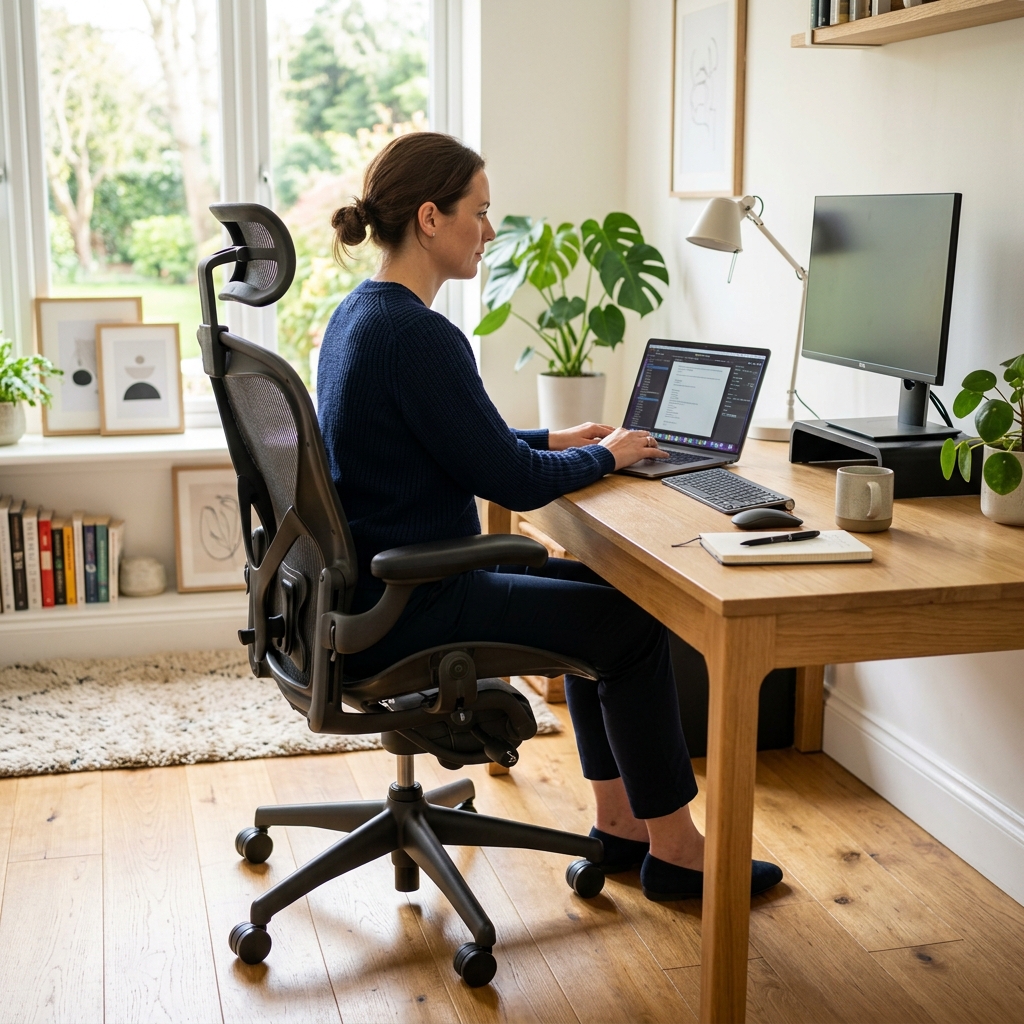
Layout ideas and inspiration for home offices in UK flats and small rooms.
Read →
Home Office Under £300
Complete setup guide — desk, chair, lamp, accessories — all on Amazon UK.
Read →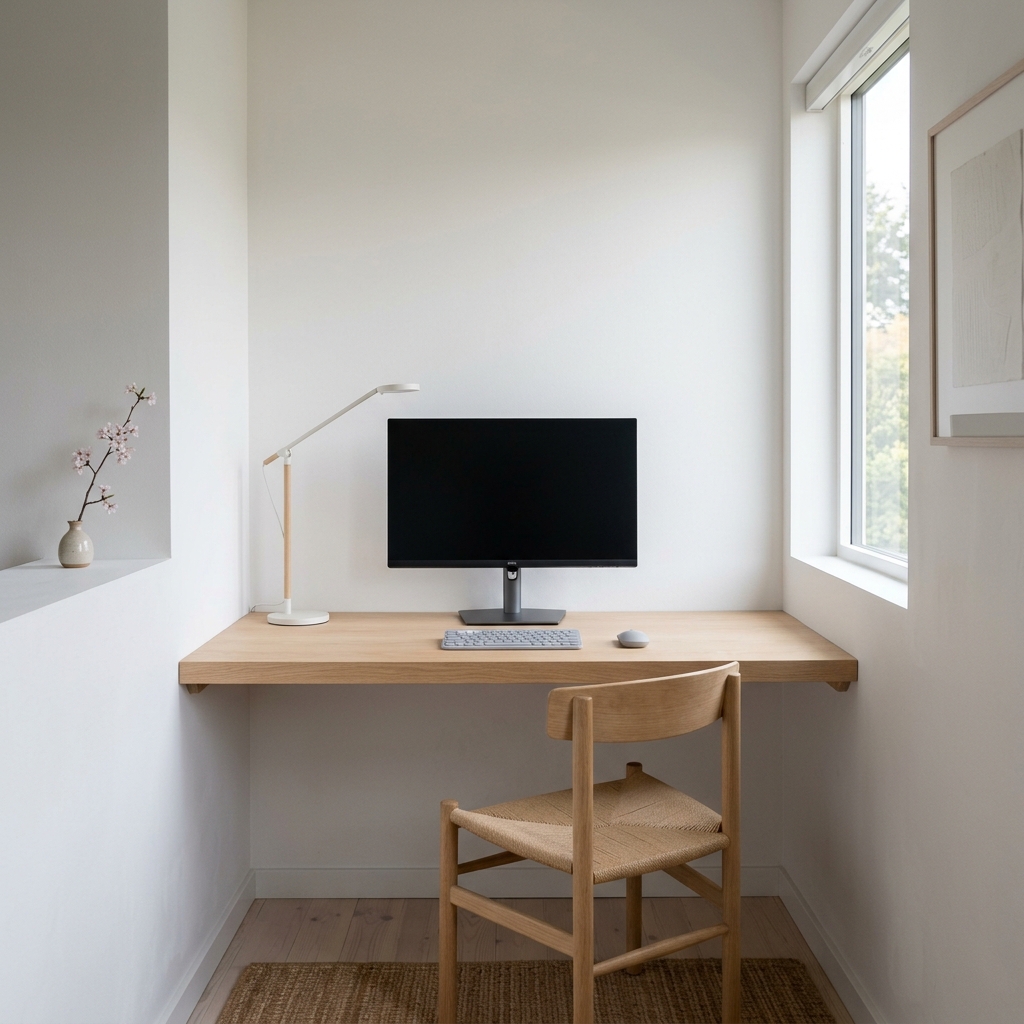
Best Desk Lamps UK
What to look for in a desk lamp and which ones are worth buying from Amazon UK.
Read →