Gaming Desk Setup Ideas for UK Homes
A gaming desk setup does not have to look like a product display with maximum RGB and branded peripherals. These ideas cover clean, considered gaming builds for UK flats and spare rooms — setups that look good in a real room, function well for gaming, and can double as a work setup when needed.
The most underused principle in gaming setups: Cable management. Every gaming setup saved on Pinterest has hidden cables. An under-desk cable tray, velcro ties on the back of the desk, and a cable raceway for the PC-to-wall route transforms any gaming setup from chaotic to considered.
Single monitor gaming setups
A single monitor setup is the most space-efficient gaming configuration and the easiest to build in a small UK room. One quality 27-inch monitor at the right height, a full-surface desk mat, and well-managed cables is everything you need for a setup that looks as good as it performs.
Desk: 120–140cm wide, clean legs
Wide enough for a 27-inch monitor, keyboard, mouse, and headset stand without cramping. Clean leg design with no crossbars at foot level, so a cable tray can be mounted below. See the desk buying guide for sizing.
Monitor arm instead of stand
A monitor arm frees the entire desk surface underneath the screen, creates a premium floating monitor look, and allows easy height and angle adjustment. Clamps to the desk edge — no drilling. One of the best upgrades in any gaming setup.
Under-desk cable management first
Before any other accessory, install an under-desk cable tray. It hides the power strip and every major cable completely. Without this, no amount of RGB or premium peripherals will make the setup look clean. See the cable management guide.
Dual monitor builds
A dual monitor gaming setup requires a wider desk (minimum 140cm, ideally 160cm+) and more deliberate cable management — two monitors, two power cables, two display cables, plus the PC or console setup below. A dual monitor arm (single post, two monitor attachments) is the cleanest solution for mounting both screens.
In a small UK room, a dual monitor setup can work but requires the desk to be the primary room element — there will not be much space for other furniture on the same wall. Measure carefully before committing.
Streaming setup additions
Camera at eye level or slightly above
A webcam or mirrorless camera mounted at monitor height (or on a monitor arm extension) creates a natural, flattering angle for stream viewers. A camera looking upward from desk level is unflattering for everyone.
Microphone on a boom arm
A boom arm holds the microphone at mouth level while keeping it off the desk surface. The microphone can be swung out of frame when not streaming. Much cleaner than a desk stand microphone in both use and appearance.
Front-facing soft light
One soft light source in front of you — a key light, ring light, or a secondary desk lamp pointed at your face from the side — makes a significant difference to stream quality. Behind-the-monitor LED strips (bias lighting) improve the look of the setup on camera.
See the cable management guide
Hidden cables are the most important element of a clean gaming setup. The cable management guide covers every product you need — all linked to Amazon UK.
View cable management picks →FAQ
For a single monitor setup, 120–140cm wide is sufficient. For dual monitors, 160cm is the minimum comfortable width. In a small room, measure available wall space before choosing — a 160cm desk in a 3m wide room leaves very little space for anything else.
No. Some of the most impressive gaming setups use no RGB at all — a clean build with hidden cables, quality peripherals, and a coherent colour palette often looks better than maximum RGB on every surface. If you want RGB, restraint works better than excess: one LED strip behind the desk or monitor, in a single colour, is more impactful than multi-zone rainbow effects.
Start with an under-desk cable management tray for the power strip and bulk cables. Use velcro ties along the back edge of the desk for peripheral cables. Route the PC power cable and any floor-level cables through a cable raceway along the baseboard. These three steps handle the majority of visible cable clutter in any gaming setup.
Related guides
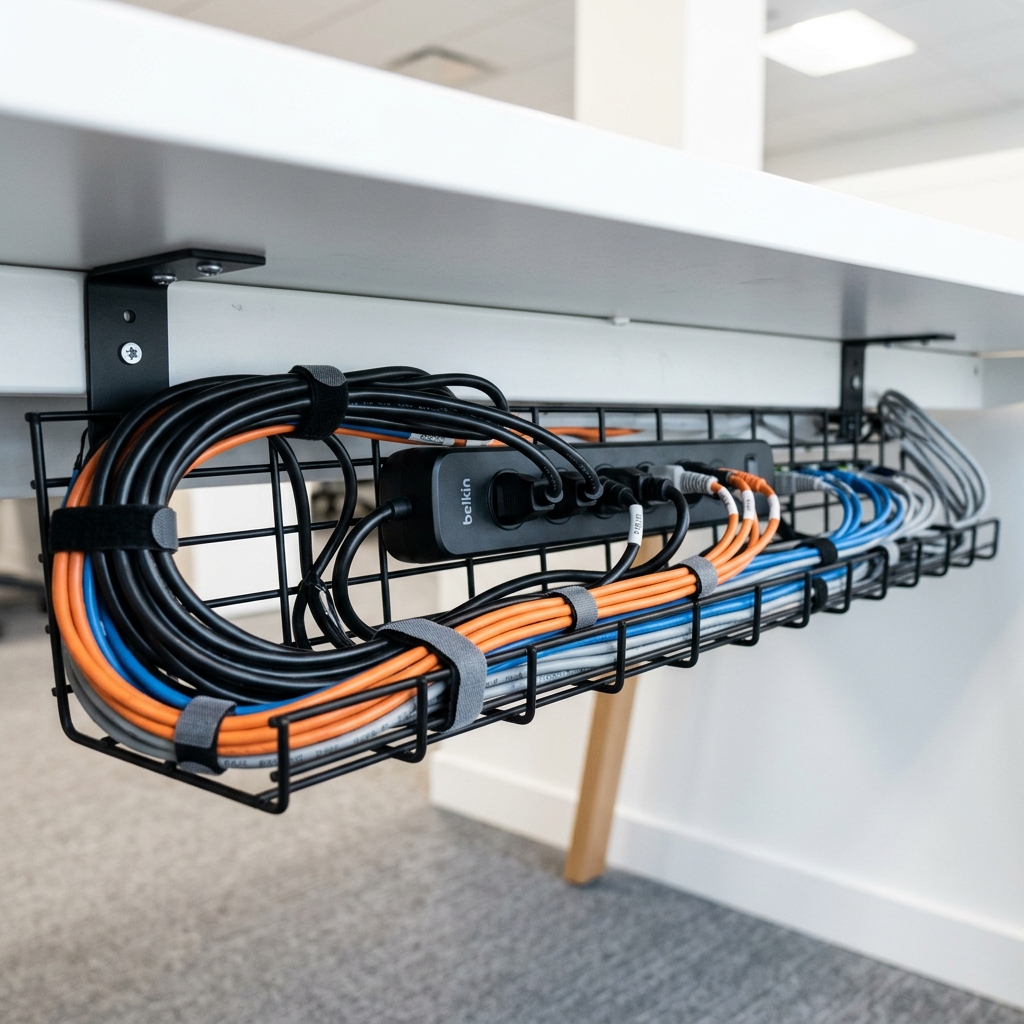
Cable Management Essentials
Every cable management product for gaming setups — all linked to Amazon UK.
Read →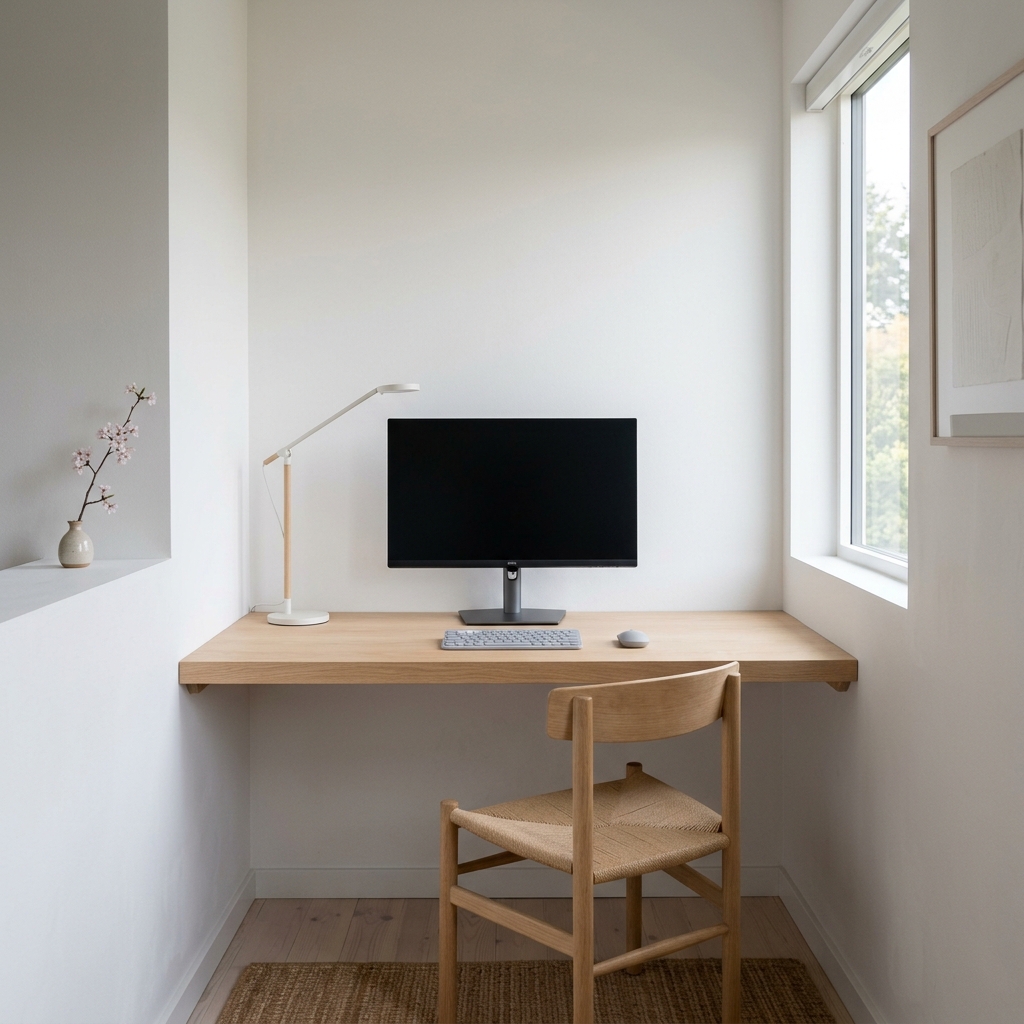
How to Hide Desk Wires and Cables
The cable management process from start to finish, without drilling.
Read →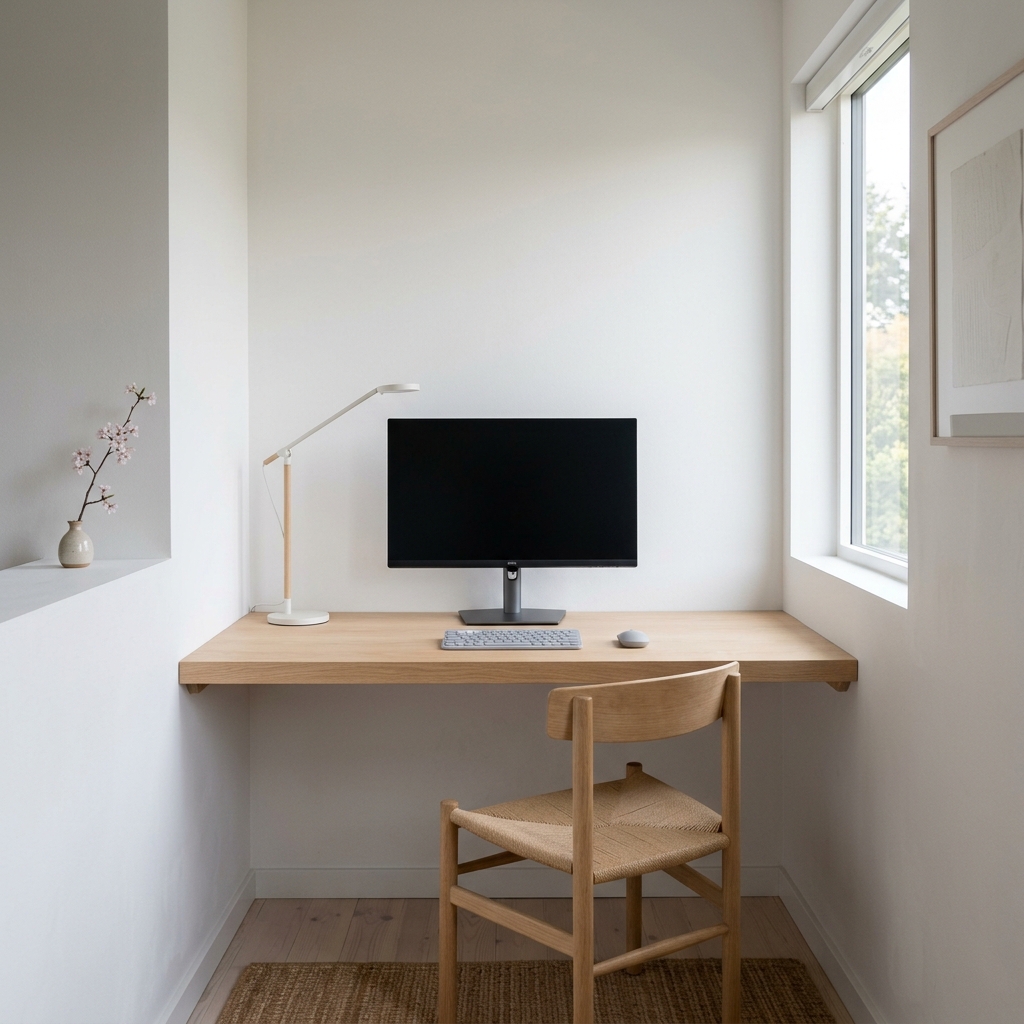
Best Desk Layout for a Gaming or Work Setup
Monitor placement, peripheral positioning, and how arrangement affects performance.
Read →