The short answer
Organising a small desk comes down to three things: removing everything that doesn't need to be there, routing cables out of sight, and then buying only the specific organisation products that solve a real problem — not a full set of accessories that add visual weight without solving anything.
Most desks are not disorganised because of too little storage. They are disorganised because too many things are on the surface that don't need to be. Start with removal before you add anything new.
Step-by-step: organising a small desk
Clear the entire desk surface
Remove everything — laptop, monitor, stationery, cables, decorative items, everything. Put it all in a box or on the floor. Start from zero. This is the most important step, and most people skip it.
Identify your daily-use items only
Go through the pile and separate what you use every single working day from what you use occasionally. Only daily items go back on the desk surface. Notebooks you open once a week, USB drives you plug in monthly, stationery you rarely touch — these need a different home.
Deal with cables before anything else
Before anything goes back on the desk, address the cable situation. Run a temporary cable solution — gather all cables, tie them together loosely, and tuck them behind the desk. Then decide whether you need a proper cable management system (recommended if you have more than three cables). This single step accounts for about 60% of the visual improvement.
Put back only what earns its place
Return items to the desk surface one at a time. Ask each time: do I use this every day? Does it need to be visible? Is there a better place for this? If a monitor stand or riser is needed to reach comfortable eye height, add it at this stage.
Now buy organisation products if gaps remain
Only after you've done the above should you consider buying organisation accessories. You may find you need very little. If stationery is still loose, add one tray or pot. If cables still hang down visibly, add clips or a cable tray. Buy for the specific problem, not to fill out a matching set.
Maintain the rule weekly
At the end of each week, spend five minutes returning things to their homes. A desk that is well-organised but never reset will drift back to clutter within a month. The reset habit is what keeps it working. Establishing solid weekly reset habits to keep a desk tidy ensures your workspace stays productive long-term.
Organisation products that actually help
These are the products most likely to solve a real problem on a small desk. All available on Amazon UK.
 Priority 1
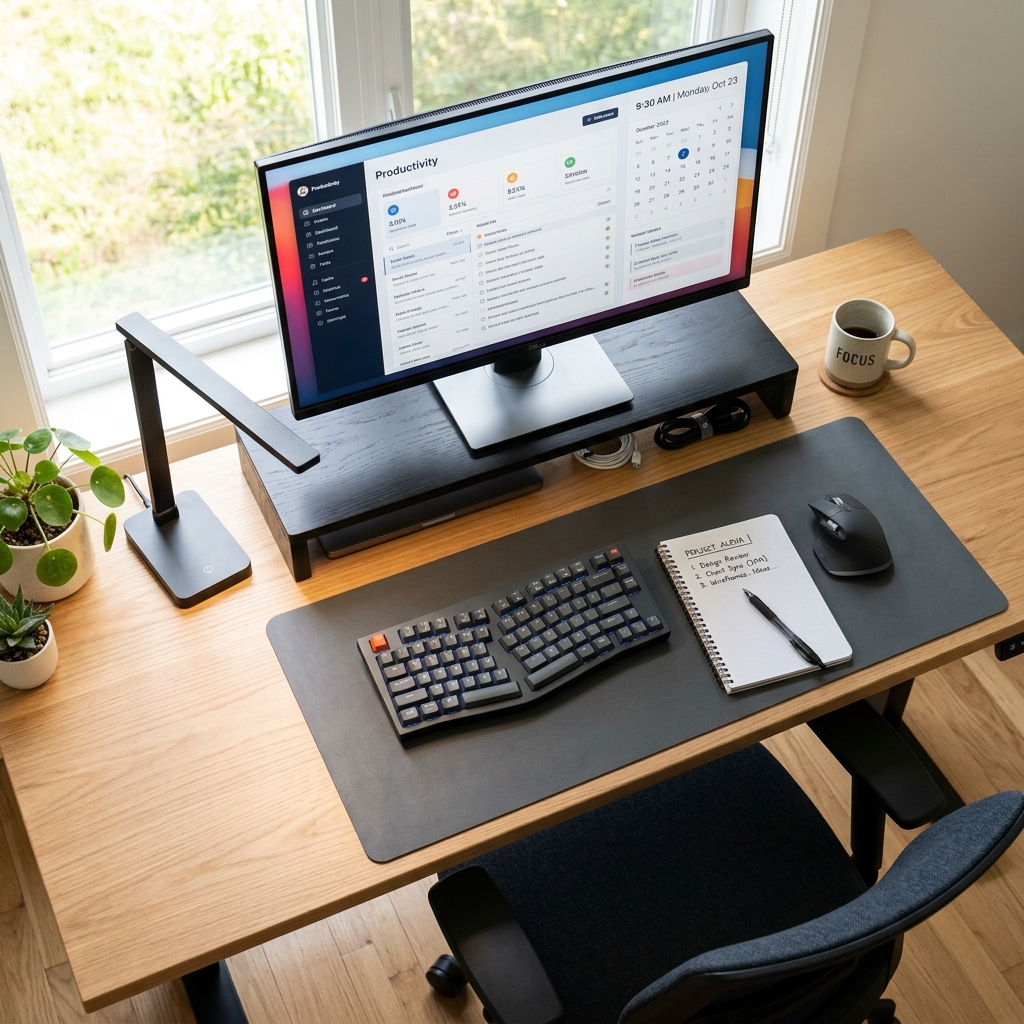
Under-Desk Cable Management Tray
Solves the biggest small-desk problem. Hides the power strip and all bulk cables completely.
 Priority 2
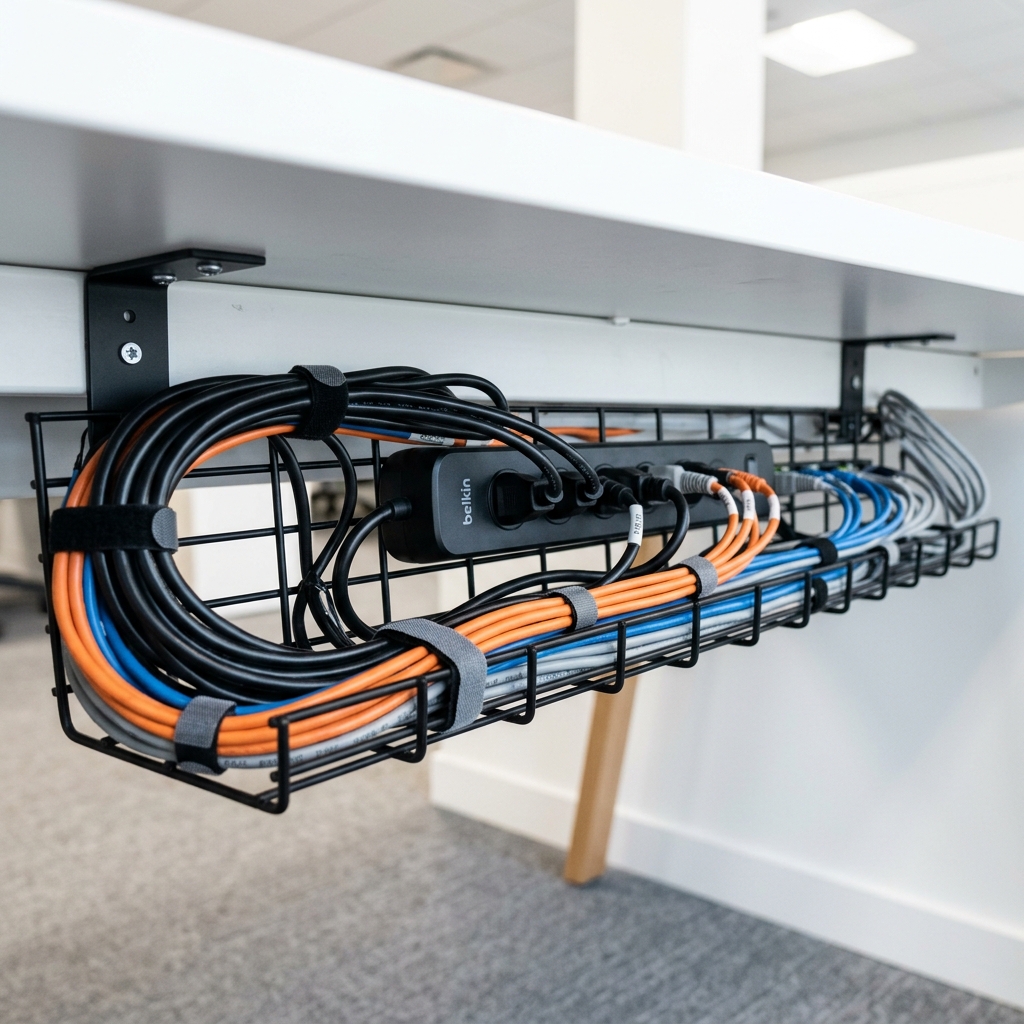
Monitor Stand with Storage Drawer
Raises screen to eye level and adds hidden storage beneath it — freeing significant surface space.
 Priority 3
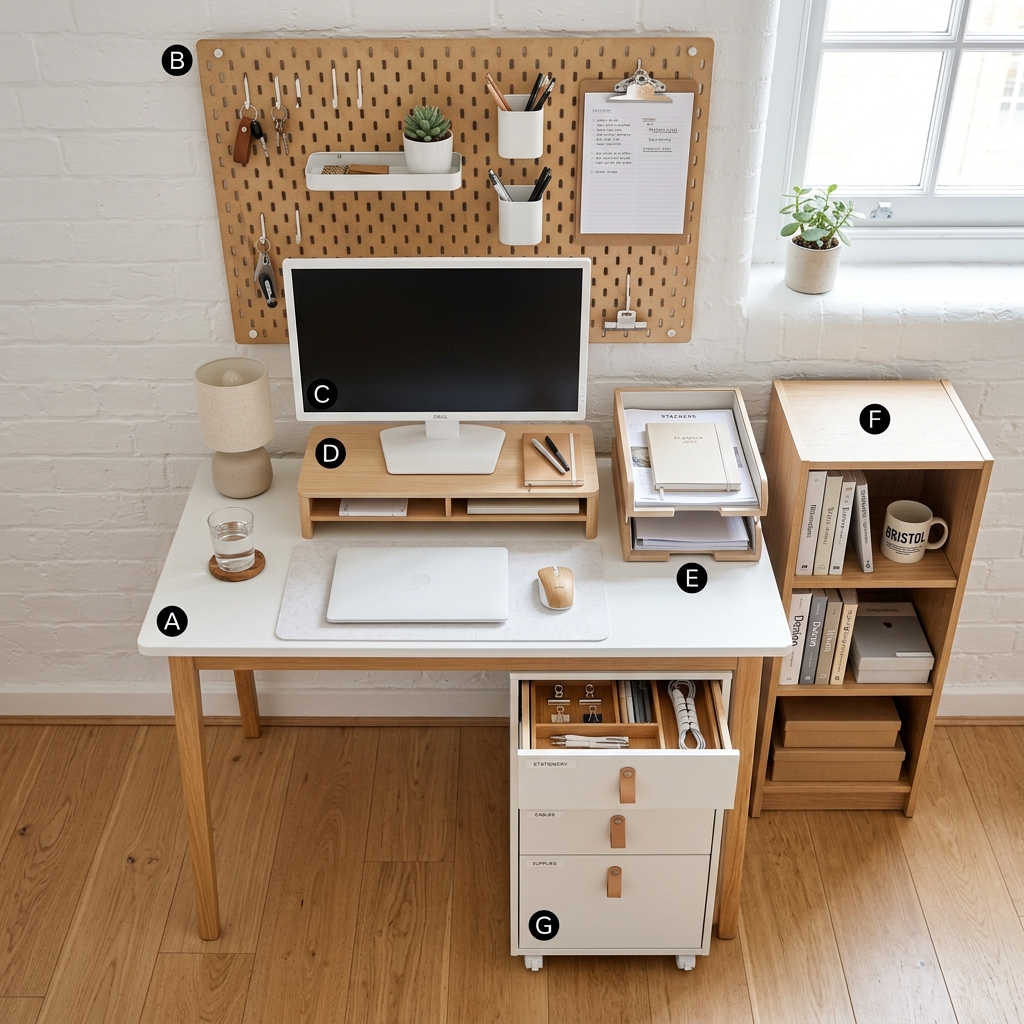
Slim Desk Tray or Organiser
One tray for stationery. One container, one zone. Not a matching five-piece set — just what's needed.
Common mistakes when organising a small desk
Buying organisation accessories before clearing
Adding a five-piece desk organiser set before removing clutter just gives clutter more places to live. Clear first, buy only for specific gaps.
Treating the desk surface as storage
The desk surface is a working tool. Storage lives in drawers, shelves, and under-desk units — not on the surface you work on.
Ignoring cables
No amount of trays and desk accessories will make a desk look organised if cables are tangled or hanging visibly. Cables are the first priority, not the last.
Mismatching organisation accessories
A mix of different colours and materials in desk accessories creates visual noise even when items are technically tidy. Stick to one palette — all black, all bamboo, or all white.
Frequently asked questions
Focus on vertical storage — a monitor stand with a storage drawer, a wall shelf above the desk, or a desktop organiser tray. Also consider an under-desk drawer unit that attaches beneath the desk surface without drilling. Cable management becomes even more important with no drawer to hide things in.
Only items you use every single working day. For most people that is: laptop or monitor, keyboard, mouse, one notebook, one pen. Everything else should be stored or removed. A desk lamp and one small plant are fine if they contribute to the atmosphere — they are not functional items but they make the space more enjoyable.
Clear everything first. Deal with cables second. Return only daily-use items third. Only then consider buying specific organisation products to solve specific remaining problems. This order prevents buying accessories you don't end up needing.
Establish a weekly reset habit — 5 minutes at the end of each week to return items to their homes and clear any surface clutter that has accumulated. The setup does most of the work; the habit maintains it. Without the habit, even a well-organised desk will drift back to clutter within weeks.
Related guides
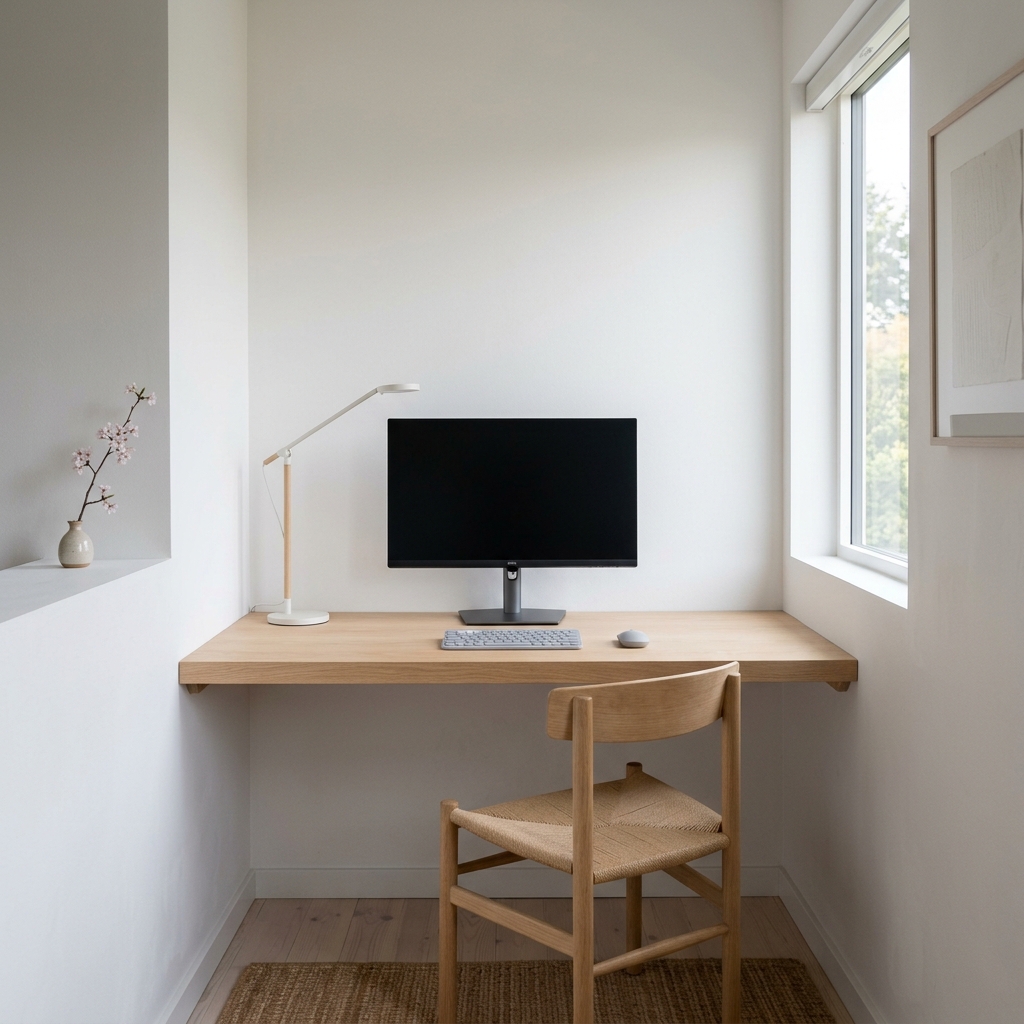
How to Hide Wires and Cables
The cable management guide — the most impactful single step in any desk organisation project.
Read →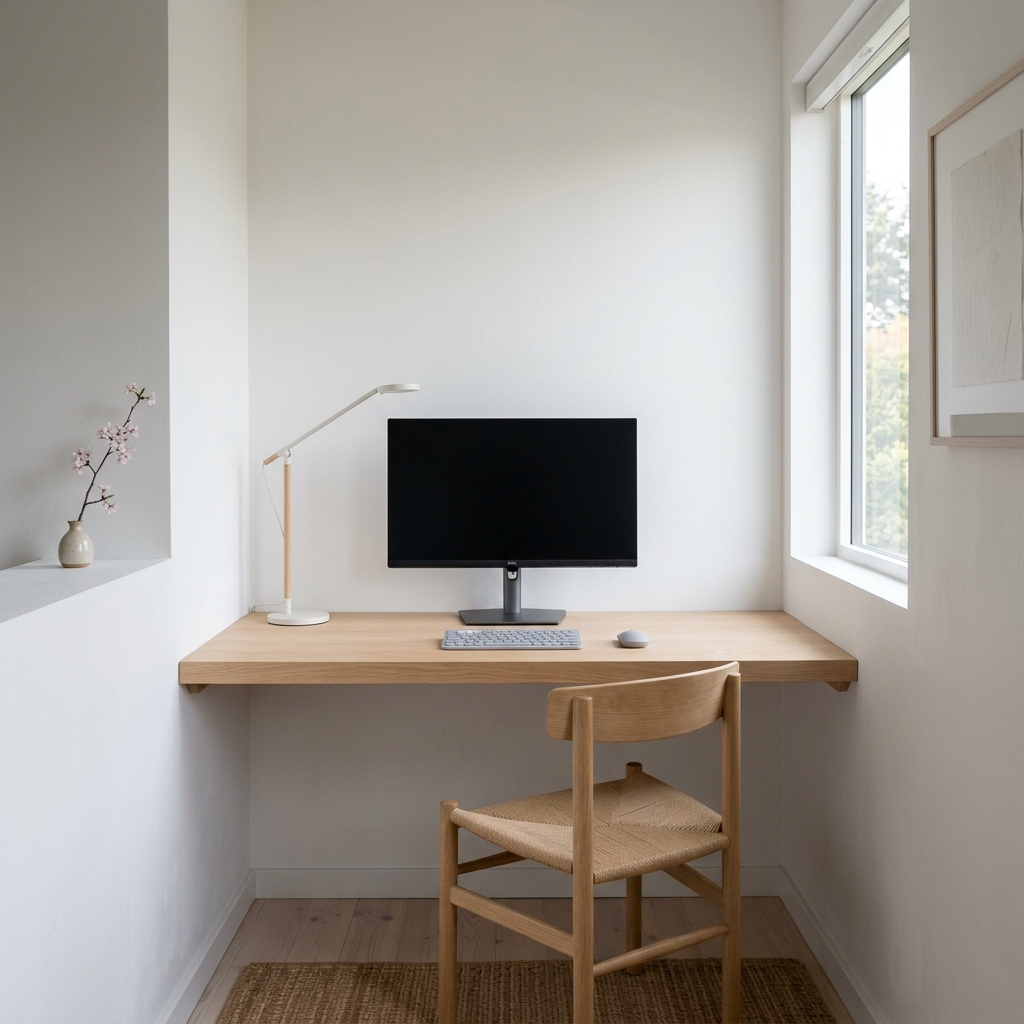
Best Desk Organisation Products
The specific products that solve real desk clutter problems — not generic sets.
Check prices on Amazon UK →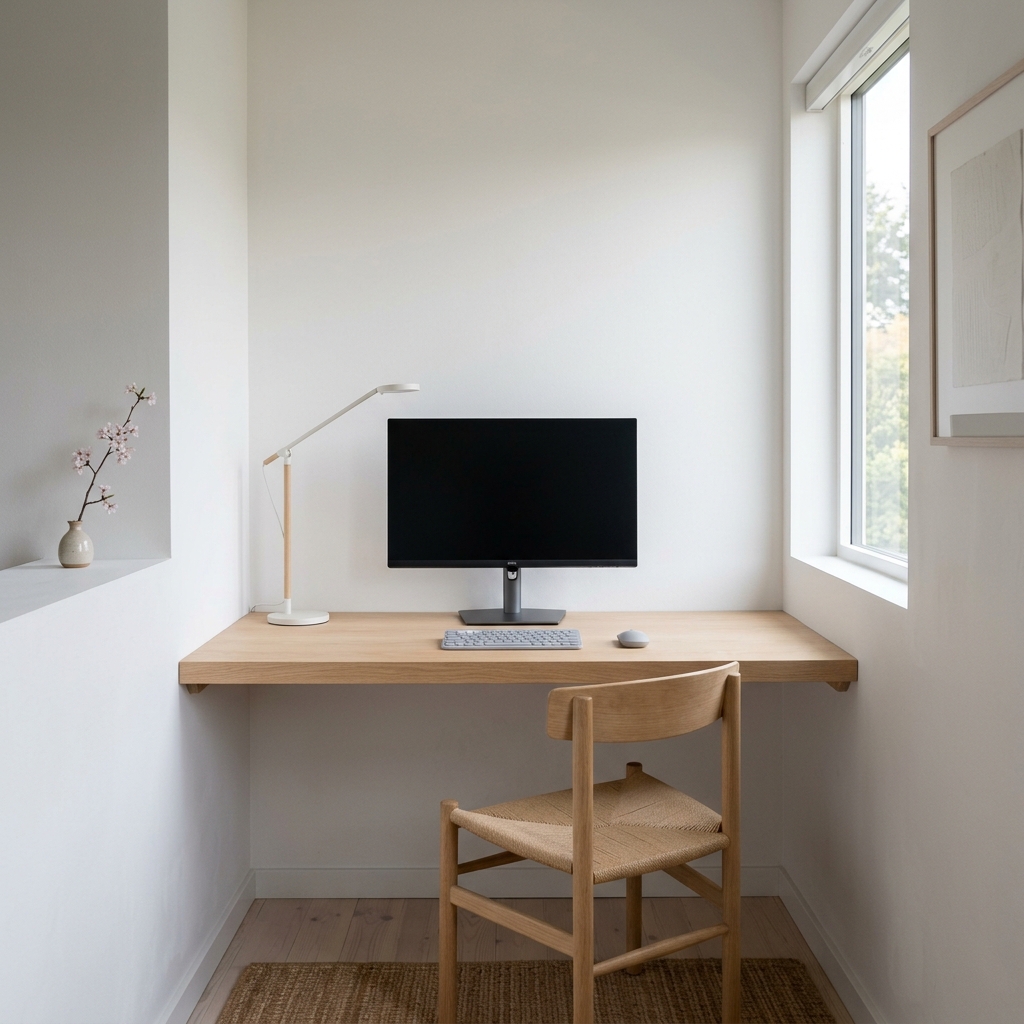
Minimal Desk Setup for Small Rooms
The complete UK desk setup guide — organisation plus everything else you need.
Read the full guide →