Cable Management Essentials for Clean Desks
You can spend £500 on a beautiful desk and a carefully chosen monitor and keyboard — but if your cables are a tangled mess underneath, the whole setup looks chaotic. This guide covers every cable management product that will make your desk look like the clean setups you keep saving on Pinterest.
See the cable management picks →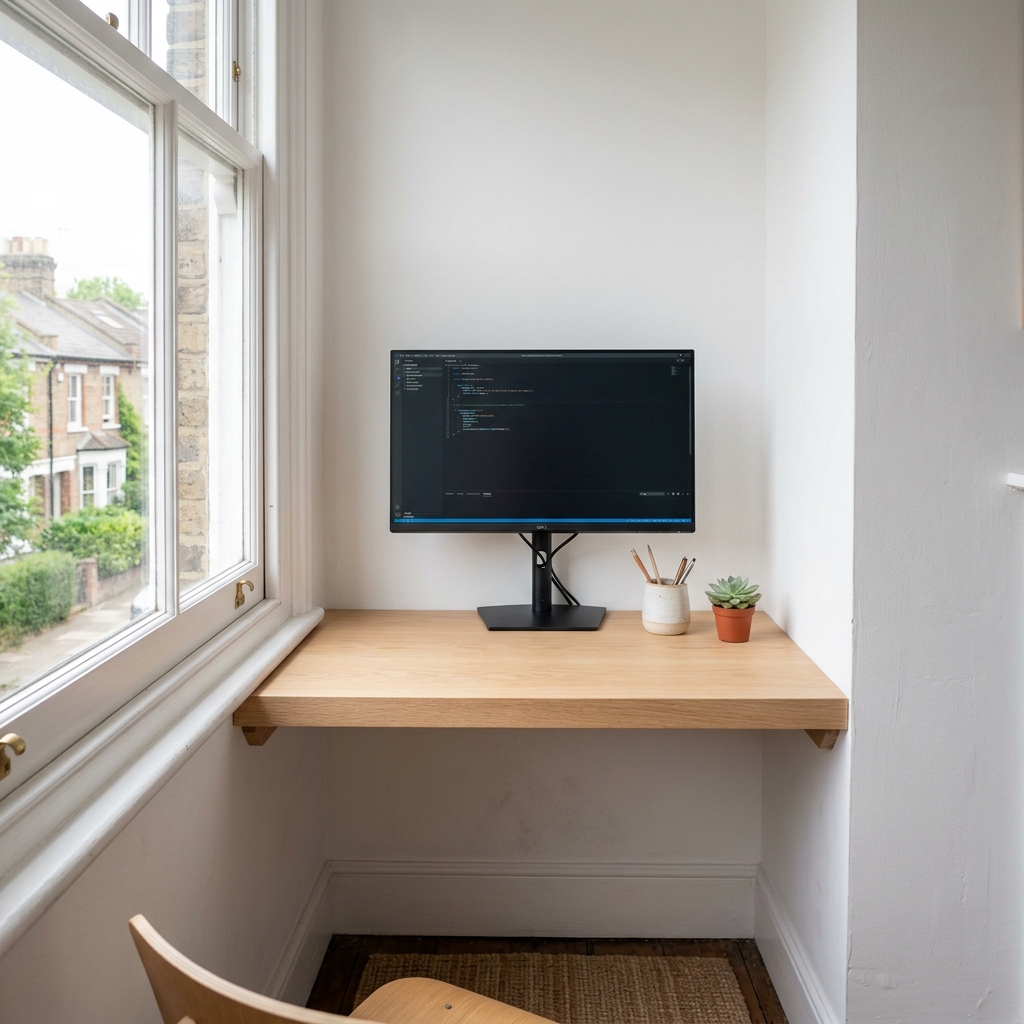
Why cable management matters
Cables are the biggest visual enemy of a clean desk
Even a beautiful, expensive desk looks messy with cables hanging down or pooling on the floor. Cable management costs under £30 total and solves this permanently.
It reduces daily frustration
Organised cables that run predictably are much easier to trace, move, or add to. A tangled cable nest behind your desk becomes a source of friction every time something needs to change.
It makes the setup Pinterest-worthy
Every clean desk setup you've ever saved on Pinterest has cable management done well — even if you can't see it. That's exactly the point.
It's permanent once it's done
Good cable management is a one-time project. Once your cables are routed and fixed in place, you don't need to think about them again.
The cable management picks
These are the products used in every clean desk setup — not one-off gadgets, but proven tools. All available on Amazon UK.
 Essential
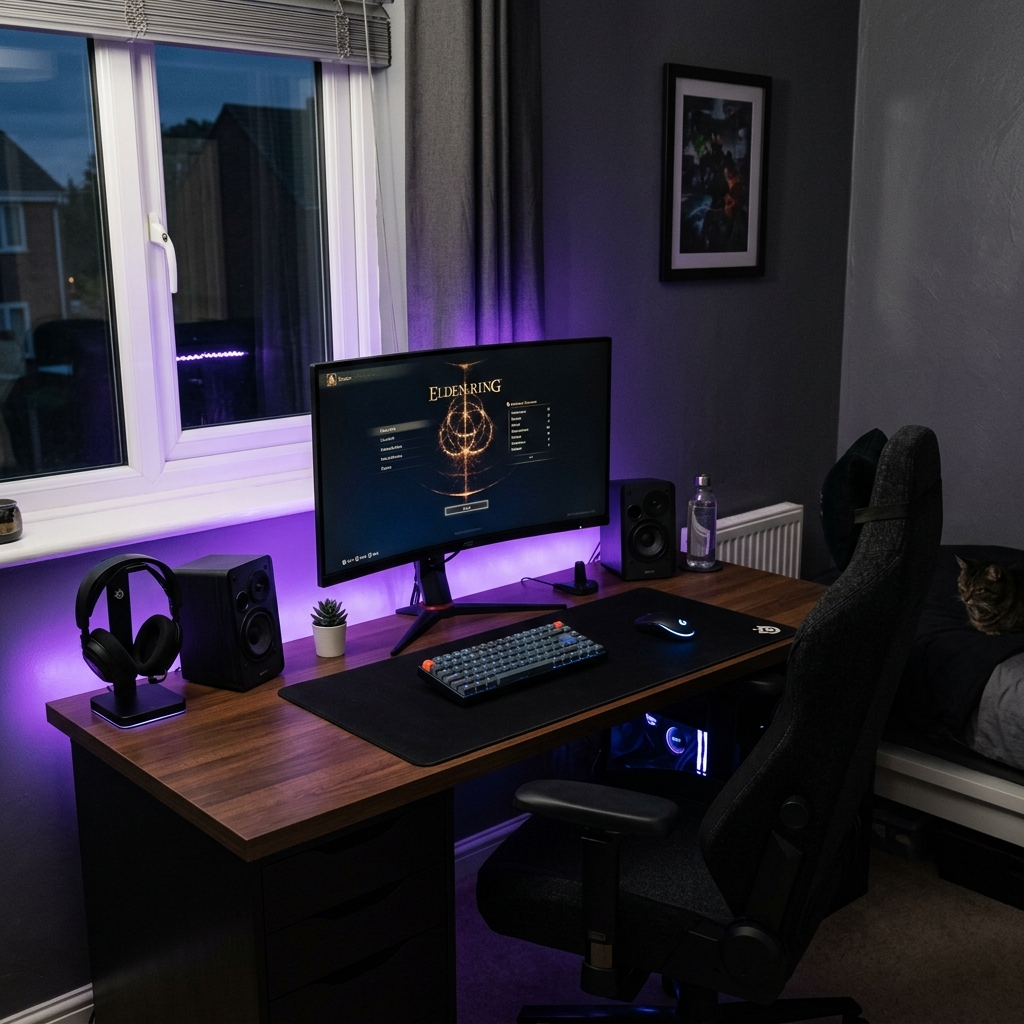
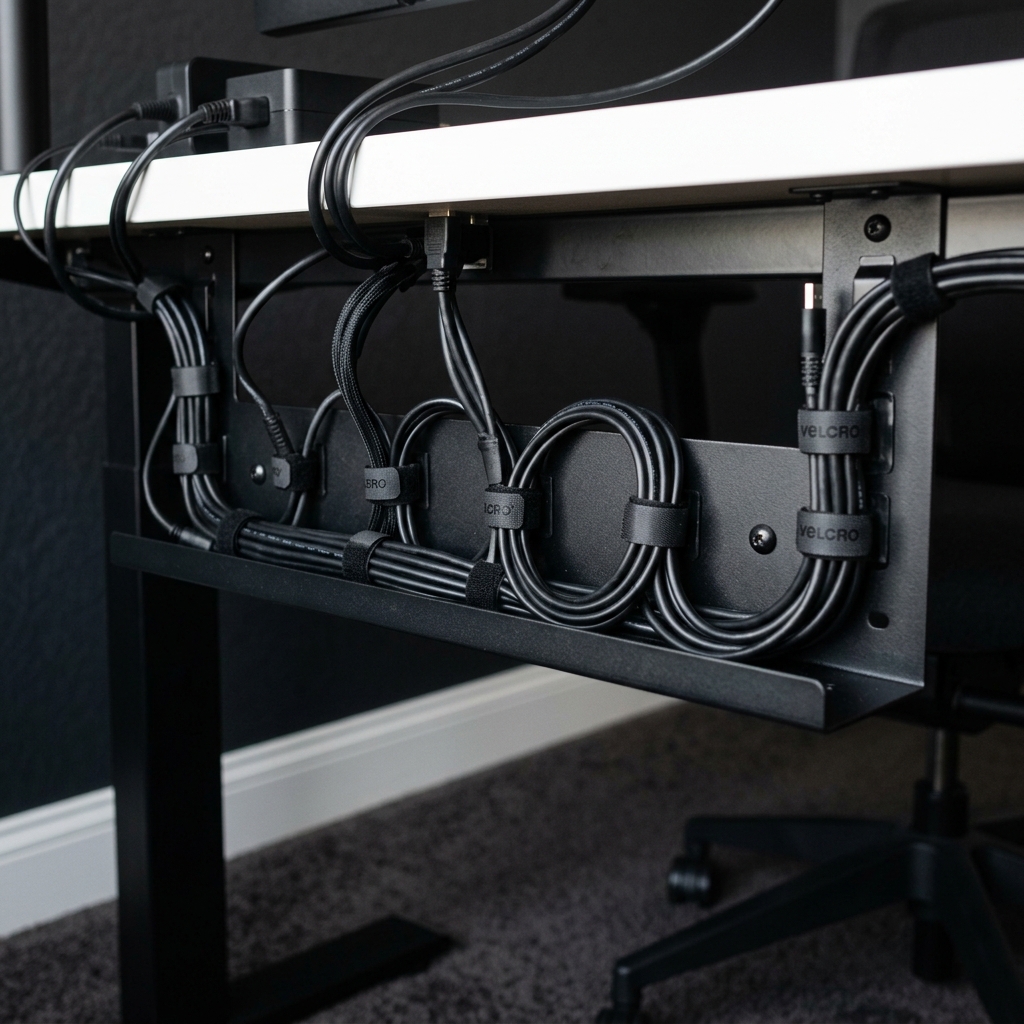
Under-Desk Cable Management Tray
The most important cable management product. Screws or clamps under your desk, holds your power strip and all bulk cables out of sight. Start here before anything else.
 Routing
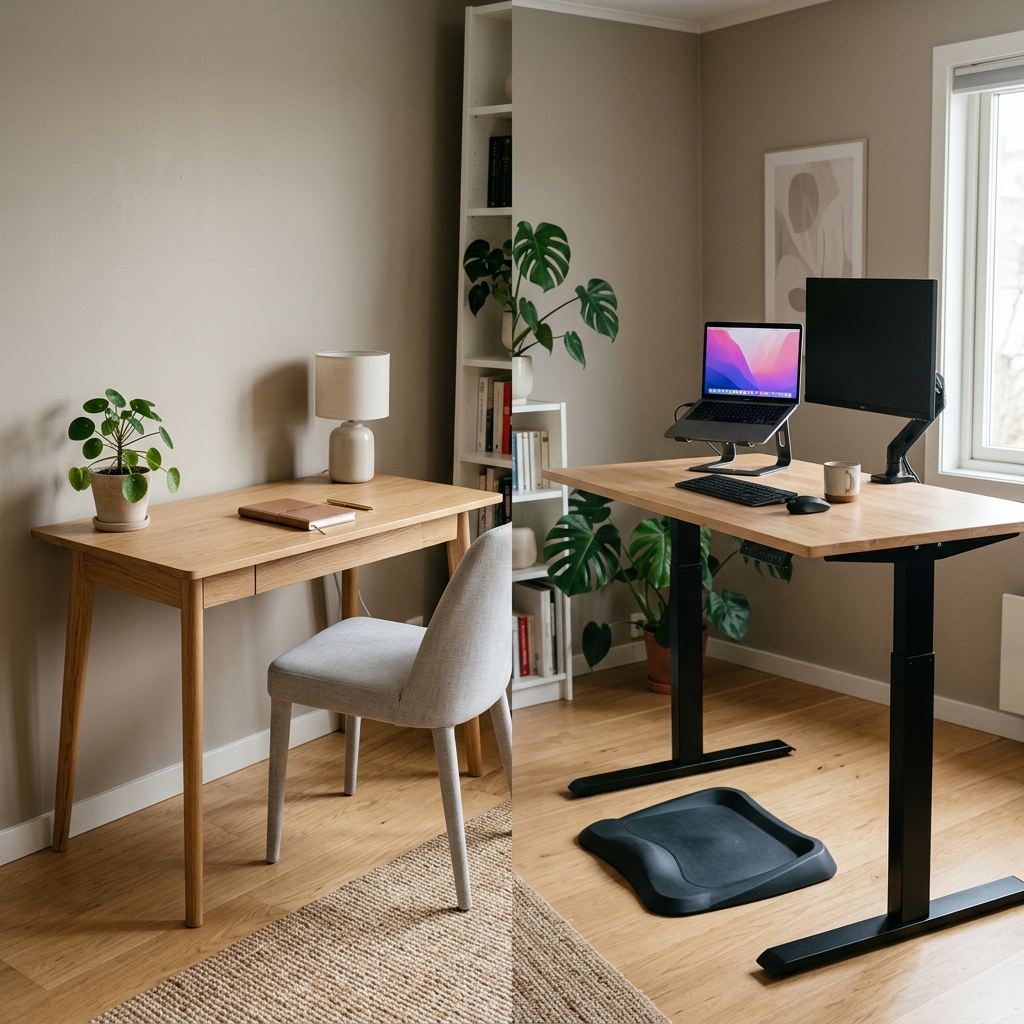
Adhesive Cable Clips (Pack of 20+)
Stick to the back of your desk or along the wall to route individual cables cleanly. Use them between the desk tray and the power strip, or along the floor edge to the wall socket.
 Bundling
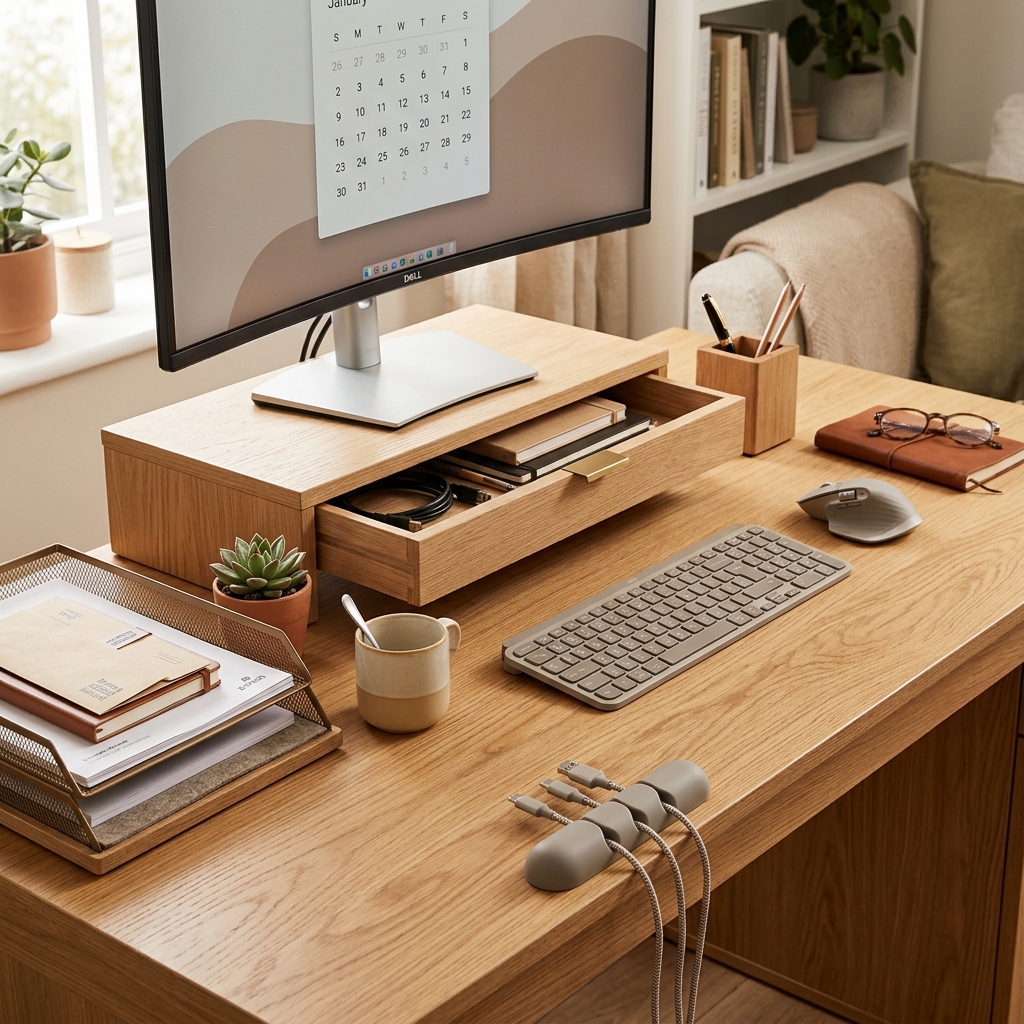
Velcro Cable Ties — Reusable
Bundle multiple cables together cleanly. Far better than zip ties because they're reusable and adjustable. Use these everywhere instead of zip ties.
 Wall routing
Cable Raceway / Cable Spine
For routing cables along the wall from your desk to the skirting board. Attaches with adhesive strips, covers cables completely, and can be painted to match your wall.
 Power
PowerSlim Desktop Power Strip with USB Ports
A flat, short, or cube-style power strip fits neatly into your cable tray. Look for models with USB-A and USB-C ports built in — this reduces the number of adapters you need.
 Labelling
Cable Labels / Tag Set
Identify which cable is which before you need to move or replace them. A tiny detail that saves a huge amount of frustration later.
Now make the rest of the desk clean
Cable management is step one. See how it fits into a complete minimal desk setup — with product picks for desk, chair, lamp, and accessories.
View the full setup guide →Cable management process — step by step
Start by unplugging everything
Clear the desk completely. This is the only way to do cable management properly. Working around existing cables always creates a partial solution.
Install the under-desk cable tray first
Position your power strip inside the tray and fix it under the desk. This becomes the cable hub that everything else routes back to.
Route each cable along the desk edge
Use adhesive clips to run individual cables along the back or underside of the desk edge. This keeps them off the floor and out of sight.
Bundle any remaining cables
Group cables that run parallel (like monitor power + HDMI) together with velcro ties. This reduces the number of visible lines, even where cables must be seen.
Frequently asked questions
Use a clamp-mounted cable tray (no screws needed) rather than a screw-fixed one, combined with adhesive cable clips. 3M Command adhesive clips hold cables securely to most desk surfaces and can be removed cleanly later. This is also the right approach for rented properties.
An under-desk cable management tray. It solves the biggest problem (the power strip and bulk of cables) in one install. Everything else — clips, velcro ties, raceways — is secondary and can be added gradually. If you only buy one product, make it the cable tray.
Route it along the skirting board with adhesive cable clips, or use a cable raceway that runs along the wall from the desk to the socket. For a very clean look, a D-shaped cable raceway painted to match your wall is nearly invisible from any normal viewing angle.
Yes. Use clamp-mounted trays instead of screwed-in ones, and 3M Command strips for adhesive clips instead of permanently sticky alternatives. Both can be installed and removed without leaving marks or damage — making them ideal for UK renters.
Related guides

Minimal Desk Setup for Small Rooms
The complete setup guide — cable management plus everything else you need.
Read the full guide →
Desk Organisation Ideas
Cable management plus desk trays, risers, and drawer storage.
Read the full guide →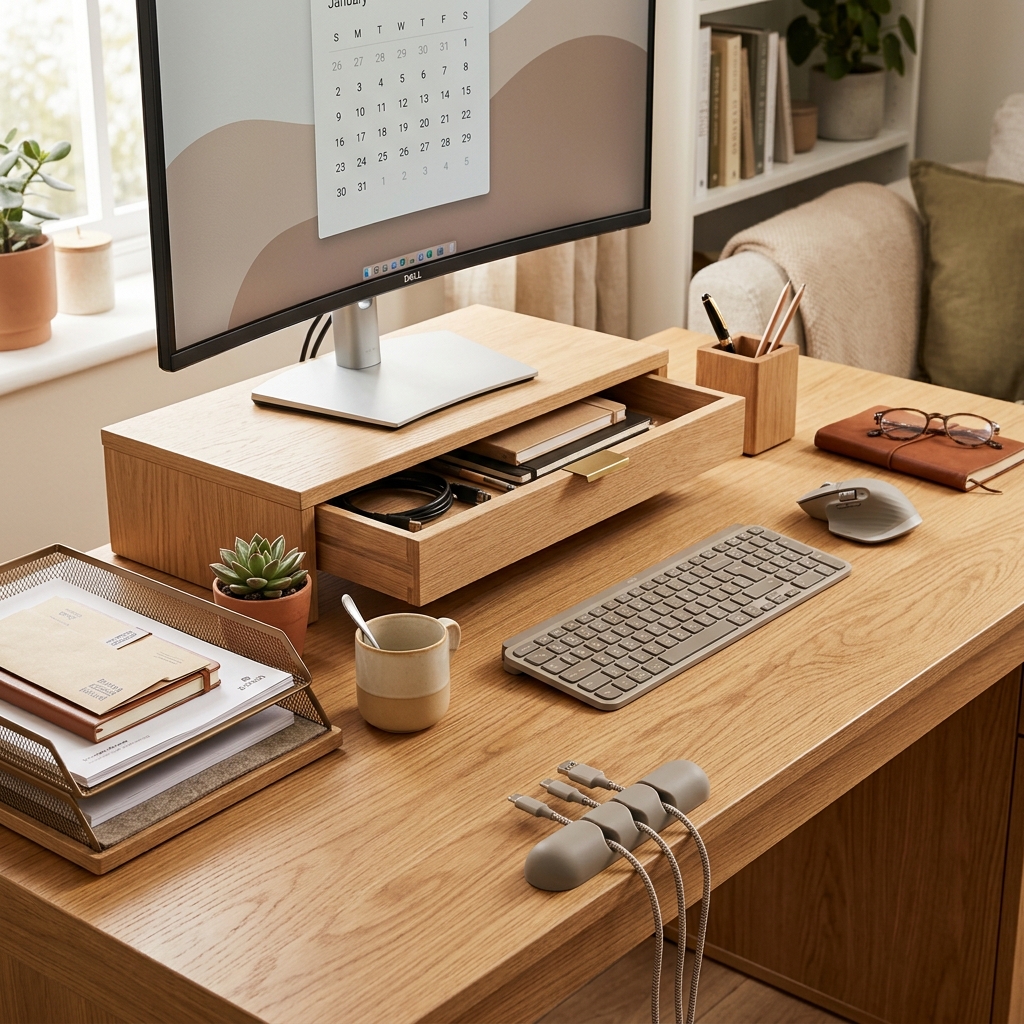
Home Office Under £300
Build the full setup — desk, chair, and accessories — for under £300.
Read the full guide →