Layout matters more than most people think
The products on a desk matter — but how you arrange them matters more. An ergonomically correct monitor position, a lamp placed to eliminate glare, and a desk positioned relative to the window can each make a bigger difference to how comfortably you work than any single accessory purchase.
This guide covers the specific layout decisions that have the most impact on focus, comfort, and sustained productivity — especially for small home offices and compact UK desk setups.
The highest-impact change in most setups: Raise the monitor to the correct height. Eyes should be level with the top third of the screen when seated upright. Most monitors are too low. A monitor riser or arm fixes this immediately.
Monitor position
The monitor is the primary focus point of a desk setup. Its position relative to your eyes, the light source, and the wall behind it determines the majority of your physical comfort over a long working day.
Height: top of screen at eye level
When seated upright, your eyes should be level with the top third of the monitor screen. Most people have their monitors significantly too low, which causes neck flexion over hours of work. A monitor stand, riser, or arm is the solution — see our desk organisation picks for recommended options.
Distance: roughly arm's length
The optimal viewing distance for most monitors is approximately 50–70cm — roughly arm's length when seated in your normal working position. Too close causes eye strain; too far causes squinting. If you need to lean forward to read text, either move the monitor closer or increase the system text size.
Angle: slight rearward tilt, monitor slightly back
A monitor tilted very slightly back (a few degrees) reduces neck strain compared to a perfectly vertical screen. Position the monitor as far back on the desk as possible — this also frees up more usable desk surface in front of it.
Relative to light: perpendicular to windows
Position your monitor perpendicular to any windows in the room (not facing a window or sitting with a window directly behind). A window in front causes glare on the screen; a window directly behind creates a silhouette effect that strains the eyes. The ideal desk position is with the window to your side.
Lighting position for focus
Desk lamp: same side as your dominant hand
Position the desk lamp on the opposite side from your dominant hand to avoid casting a shadow over your work area. If you're right-handed, the lamp goes to your left. This is rarely mentioned and immediately obvious once you try it.
Colour temperature: adjustable if possible
Cooler light (3500–4000K) promotes focus and alertness. Warmer light (2700–3000K) is better for relaxed, creative work and evening use. If your desk lamp has adjustable colour temperature, use it. See our guide on warm office lighting for more on this.
Reduce monitor-to-room contrast with bias lighting
A bright monitor in a dark room is harder on the eyes than the same monitor in an evenly lit room. Adding a warm bias light strip behind the monitor equalises the contrast and significantly reduces eye strain over long sessions.
Desk position in the room
Where you put the desk in the room affects both the aesthetics and the practicality of the setup. In small UK rooms, there are a few consistently effective approaches:
| Desk position | Works best when | Avoid when |
|---|---|---|
| Desk facing the wall | You need maximum focus and minimum distraction. The wall becomes a visual anchor rather than dead space. | The room is very small and you'll feel claustrophobic facing a blank wall all day. |
| Desk in a corner (L-shape or angled) | You need more surface area. Corners are underused space in most UK rooms. | Cable management is more complex and lighting angles are harder to get right. |
| Desk beside the window | You want natural light from the side, which is the ideal light source position for screen work. | The window is south-facing and causes direct sun glare on the screen in the afternoon. |
| Desk facing the room | You have video calls and want a clean background, or you prefer a wider field of vision while working. | There is activity in the room (other people, a television) that creates visual distraction. |
What to keep at arm's reach
Productivity is affected by friction — small interruptions and inefficiencies that add up. The arrangement of items on the desk can reduce or add to this friction. The principle is simple: daily items within reach, occasional items in drawers or off-desk, everything else out of the room.
Primary zone: directly in front of you
Keyboard, mouse, and the monitor. Nothing else in the primary zone unless it is used constantly (a trackpad or drawing tablet, for example).
Secondary zone: within arm's reach, sides
A notebook and pen if you write daily, a phone dock if you reference your phone constantly, a small water glass. One item per side maximum — two at the absolute most.
Tertiary zone: at the desk edges or off-desk
Stationery, documents, reference books. Stored in a monitor stand drawer, a desk shelf, or a drawer unit beside the desk. Not on the working surface.
FAQ
It depends on what distracts you most. Facing the wall reduces visual distraction from movement in the room — useful for deep focus work. Facing the room gives you a wider field of vision and works better for video calls (the background behind you is the wall or room, not your monitor). Most people who work primarily on solo tasks prefer facing the wall for the focus benefit. Try both for a week each before committing.
The top of the monitor screen should be roughly at eye level when you are seated upright in your normal working position. For most people, a standard desk-height monitor is significantly too low. A monitor stand, riser, or monitor arm raises it to the correct height. Even a stack of large books works as a test before committing to a stand purchase.
Against a wall, with the window to the side if possible. This frees floor space, reduces visual noise (you're looking at one wall rather than the whole room), and positions you correctly relative to natural light. Avoid placing the desk with the window directly in front (glare on screen) or directly behind (silhouette effect).
For most people, the benefit of a sit-stand desk comes from reducing the discomfort of sitting for 6–8 hours — not from standing itself. Being uncomfortable makes it harder to focus, and standing periodically reduces that discomfort. Whether you need a sit-stand desk depends on how long you work and whether you experience back or hip discomfort from sitting. For shorter work sessions (3–4 hours), a well-set-up seated desk is sufficient.
Related guides
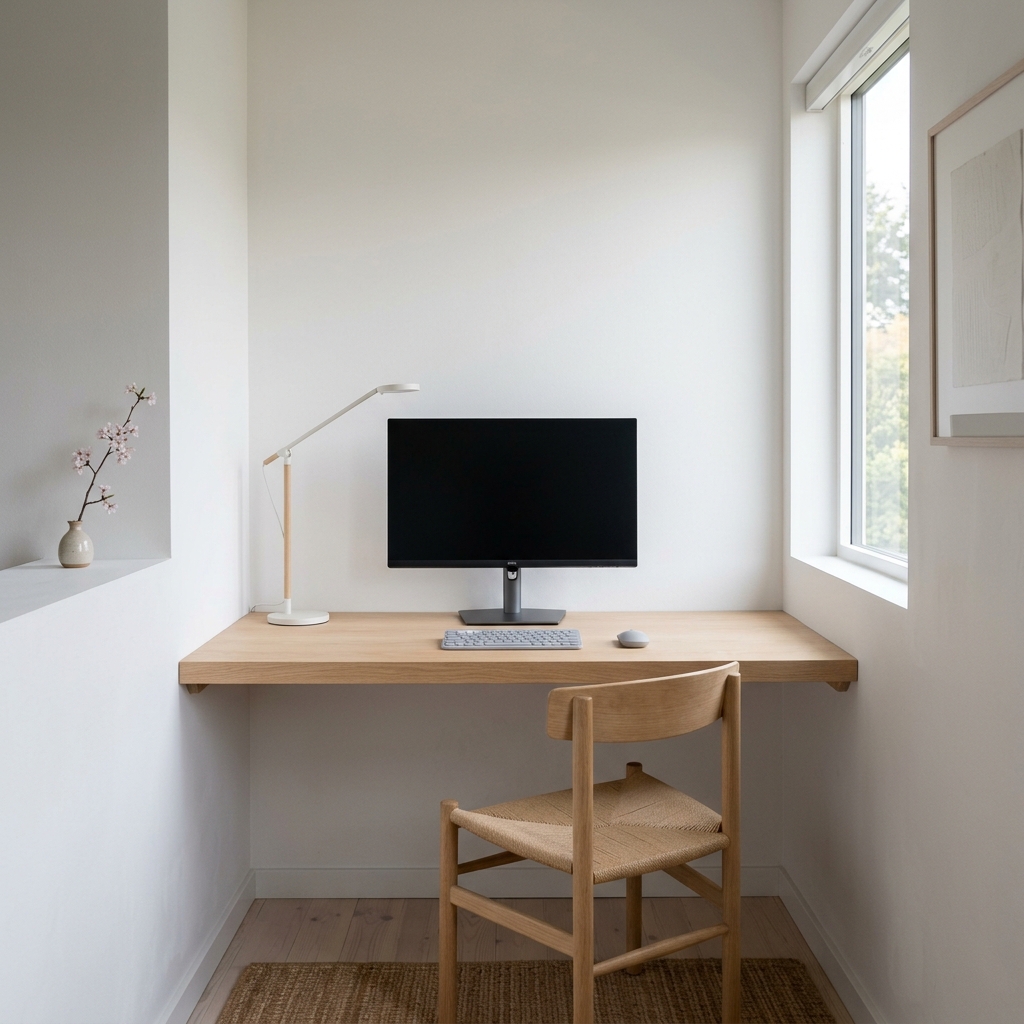
Minimal Desk Setup for Small Rooms
Layout advice plus every product pick for a complete, clean minimal desk setup.
Read the full guide →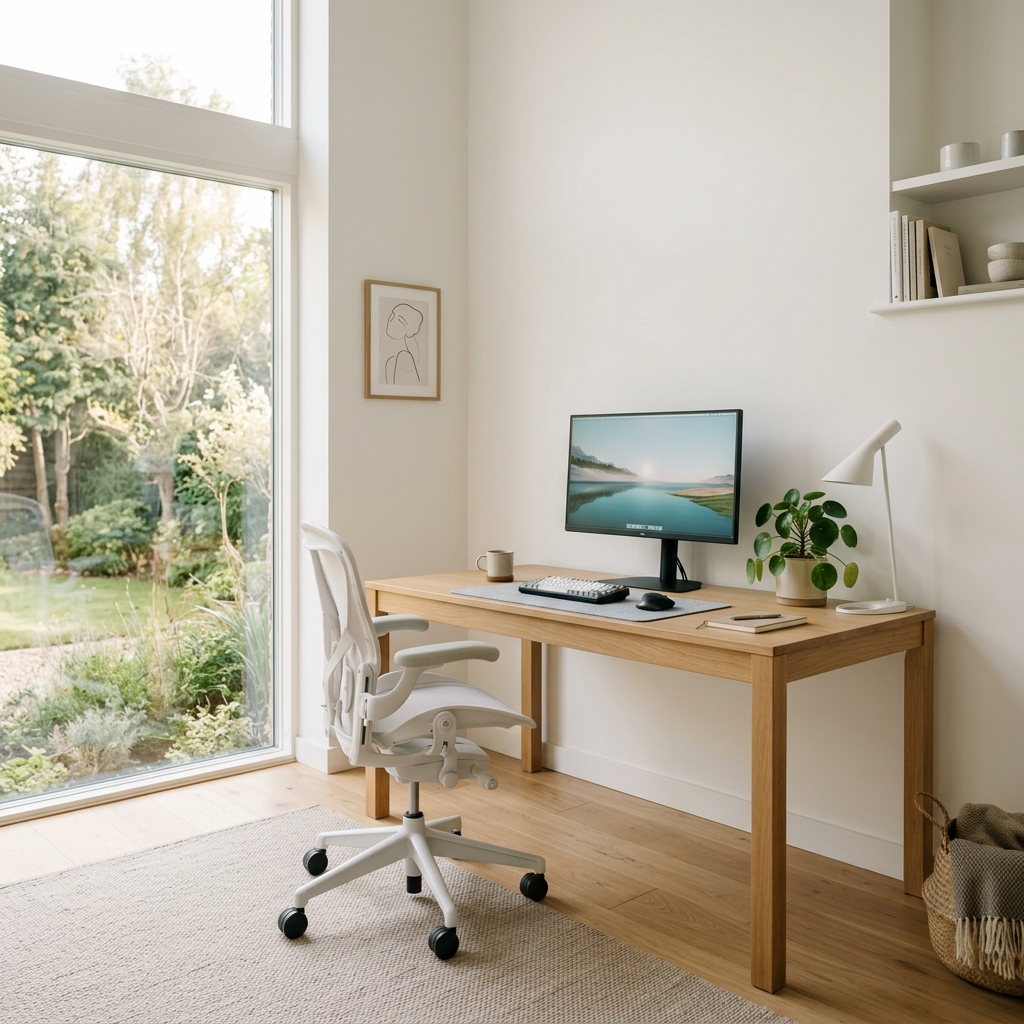
How to Make a Home Office Feel Cosy
Lighting, texture, and layout changes that make a workspace feel warm to be in.
Read guide →
Best Desk Organisation Products
Monitor risers, trays, and organisation tools that support a productive desk layout.
Check prices on Amazon UK →